How to cancel your subscription?
To cancel your subscription, go to the profile menu in the top-right corner and select Workspace Settings. Then navigate to the Billing section, open the Active Plan view, and click the Cancel Subscription button in the top-right corner. Finally, confirm the cancellation if a confirmation dialog appears.
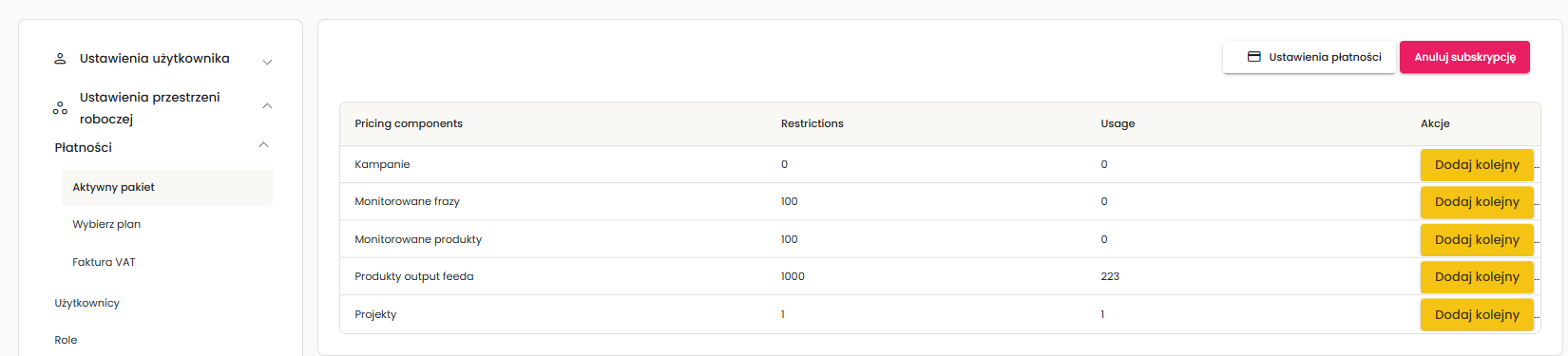
Only the email address associated with the active subscription has access to the Billing section. If you do not see the Billing tab, you have been added as a regular user only.