How does the subscription cancellation process work after a free trial?
If you did not provide a card and did not select a paid plan — the subscription ends automatically when the trial expires; you do not need to do anything.
If you provided a card or selected a plan — you can cancel before the trial ends:
- Go to the profile menu in the top right corner
- Select Workspace Settings
- Navigate to the Payments section
- Open the Active Plan view
- Click the Cancel Subscription button
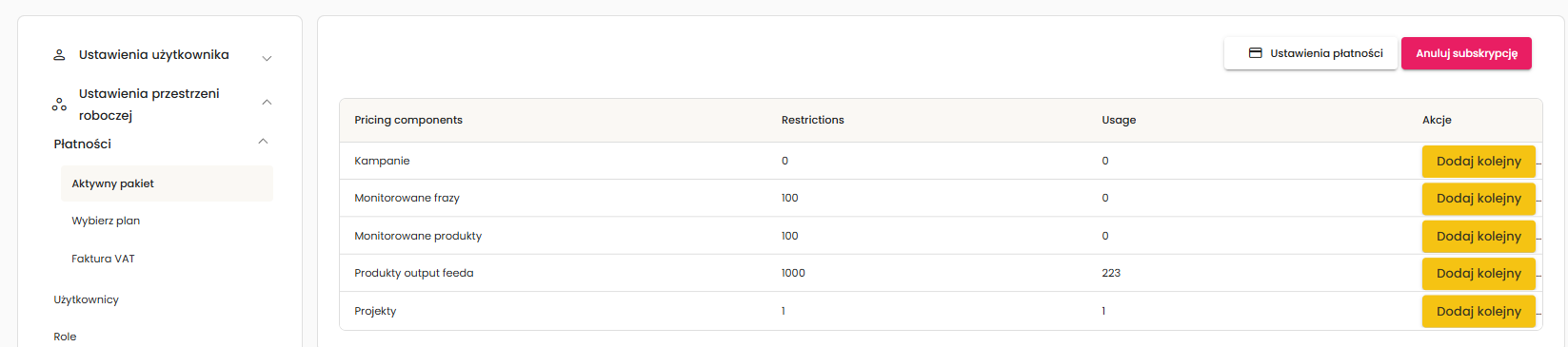
Access to the Payments section is available only to the email address that holds the active subscription. If you do not see the Payments tab, you have been added only as a regular user.