Generating a Product Feed from WooCommerce
I have a WooCommerce store. How do I export a feed? What do I need to quickly get started with Sembot?
Table of Contents
Step 1
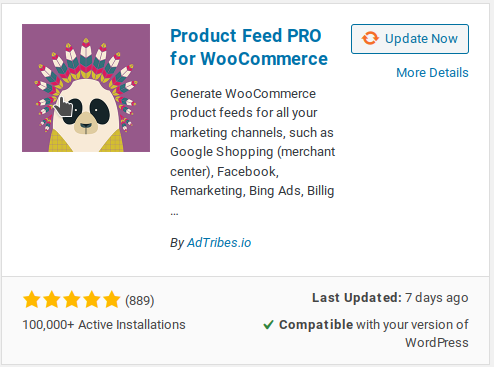
Sembot does not currently have native WooCommerce support, but it does support product feed files. The solution is to install the free plugin Product Feed PRO for WooCommerce.
Step 2
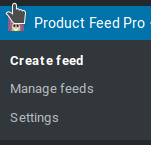
After installation, the plugin will appear in the WordPress sidebar menu.

Step 3
Click on the plugin option to go to Create Feed.
Step 4
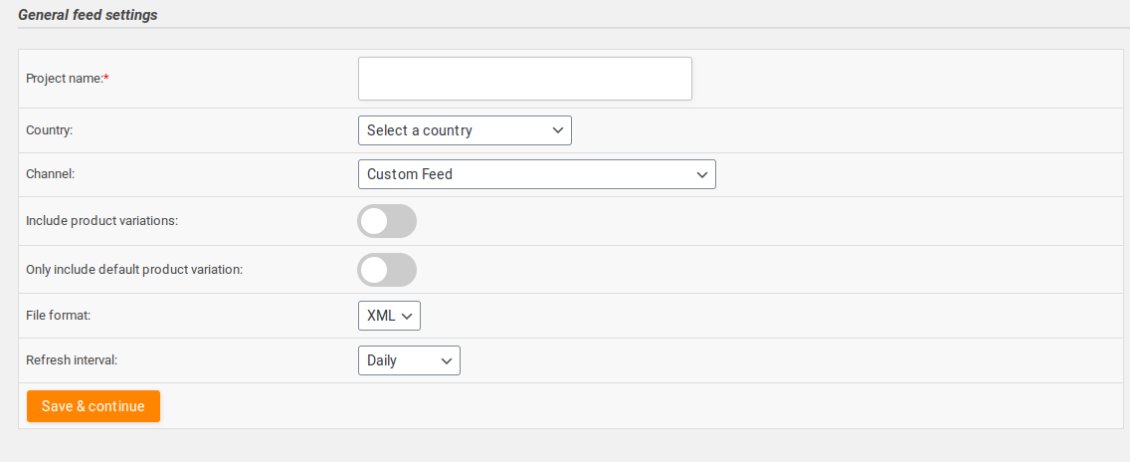
In this section you need to:
- Give the feed a name
- Select the country
- Check the product variants option (if applicable)
- Select a channel — we recommend choosing Google Shopping
- Leave the XML file unchanged
- Set the refresh interval
Step 5
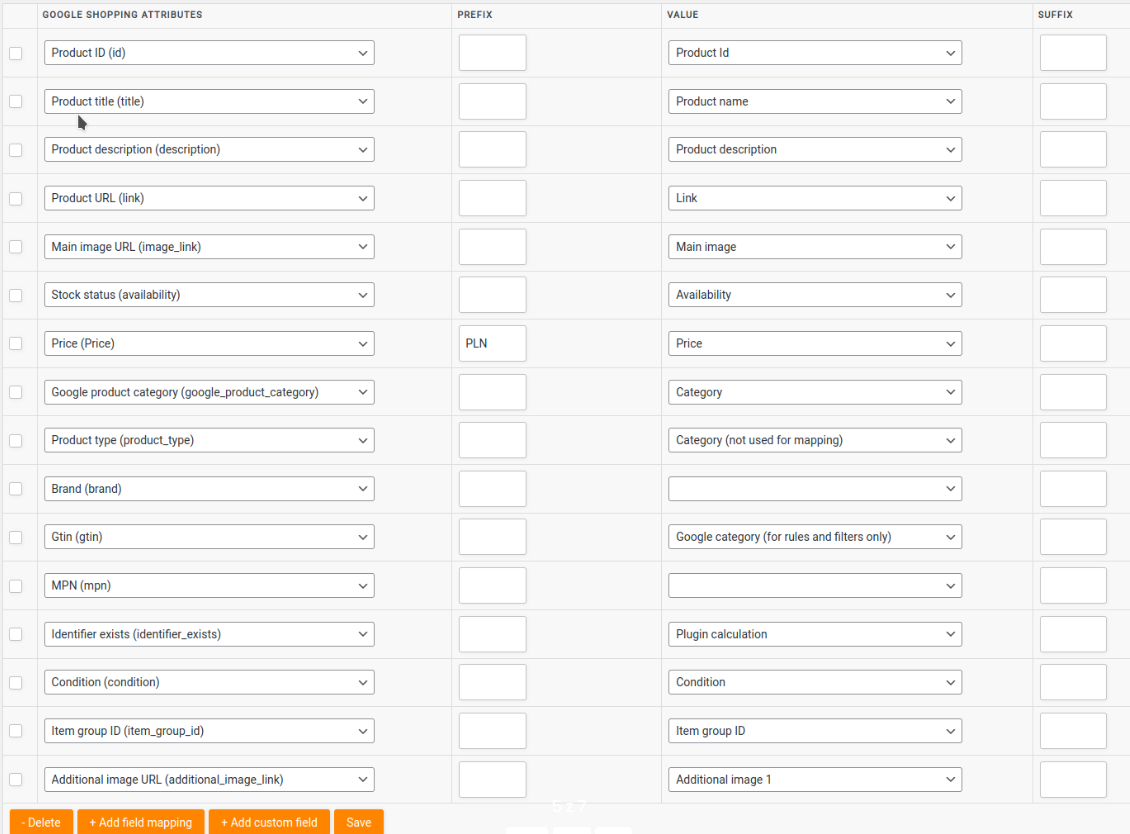
Map the product fields appropriately. Sembot allows you to correct this data later.
Step 6
In the next steps you can set product categories and add rules for products.
Step 7
Go to the feed list.

Step 8
Right-click the icon to copy the link to the product feed file. This link will be used in the Sembot application.
