Exporting a Product Feed from Sky-Shop
Table of Contents
Step 1
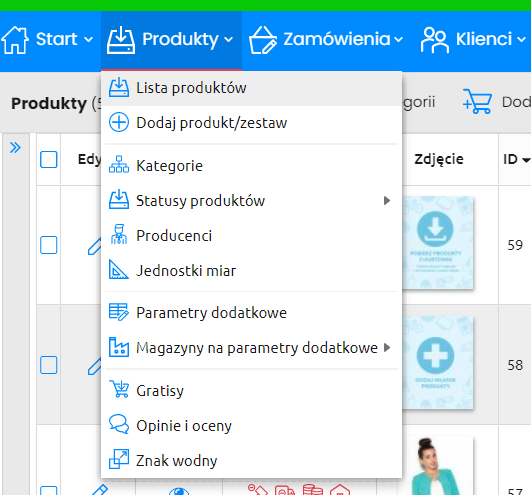
After logging into your Sky-Shop account, go to the Products → Product List section.
Step 2
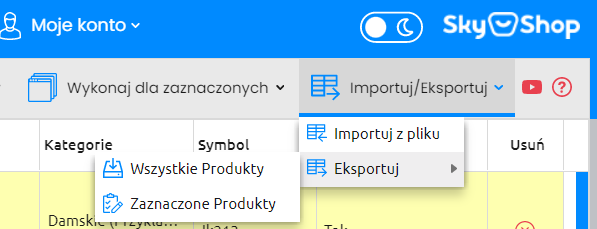
In the upper right corner, find the Import/Export tab and select Export. Two options are available:
- All products
- Selected products
Step 3
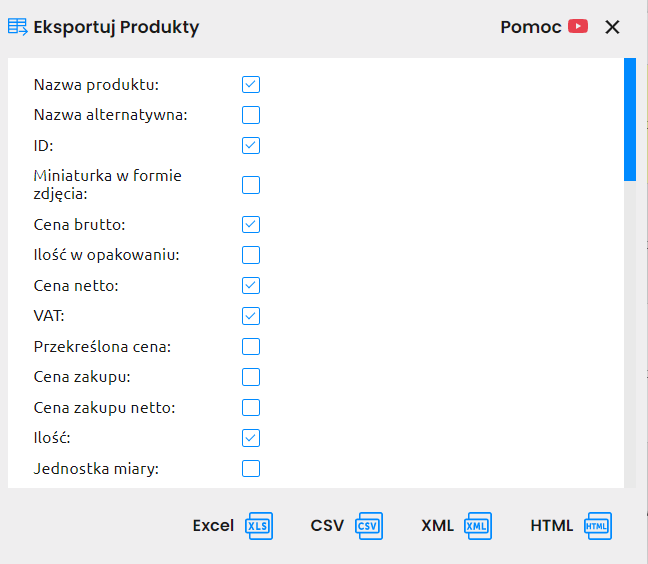
On the next screen, select the product attributes and file format. Make sure to check the ID attribute — it allows changes to be updated. Without it, products will be treated as new on every update.