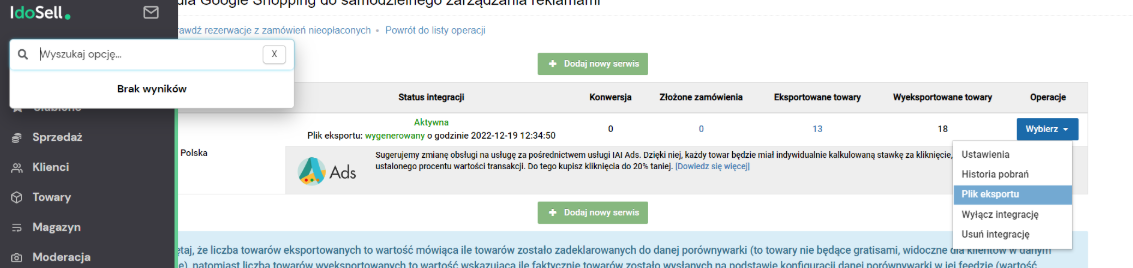
Exporting a Product Feed from an IdoSell Store
Table of Contents
Step 1
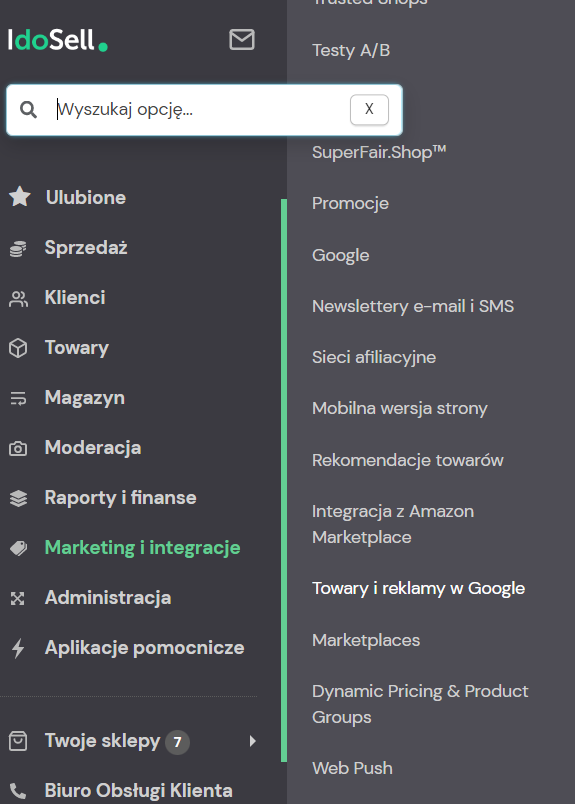
After logging in to your store, select from the left menu: Marketing and integrations → Products and ads in Google
Step 2
Go to the tab and click Product feed for Google Shopping for self-managed advertising

Step 3
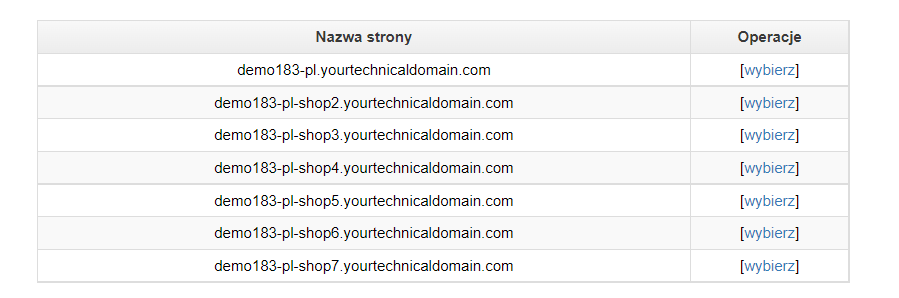
A list of stores will appear — select the one for which you want to generate a product feed
Step 4
In the Operations section, select Export file